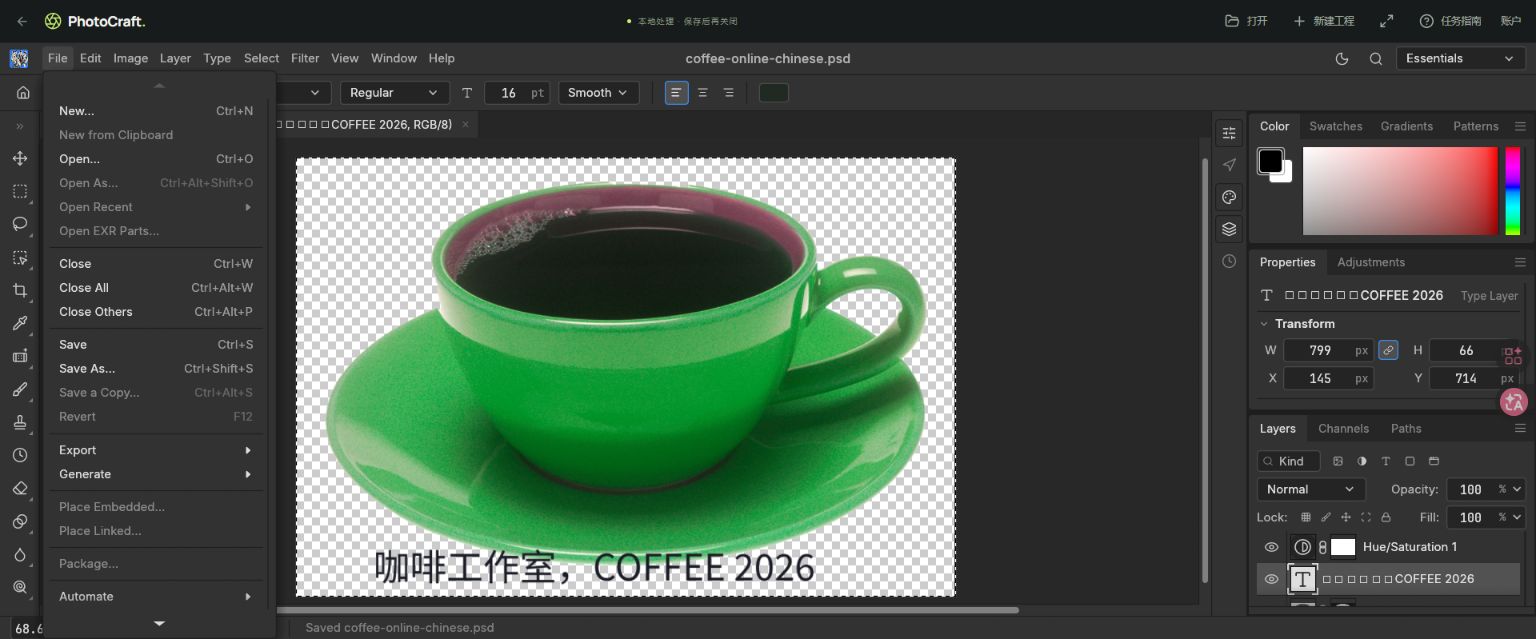
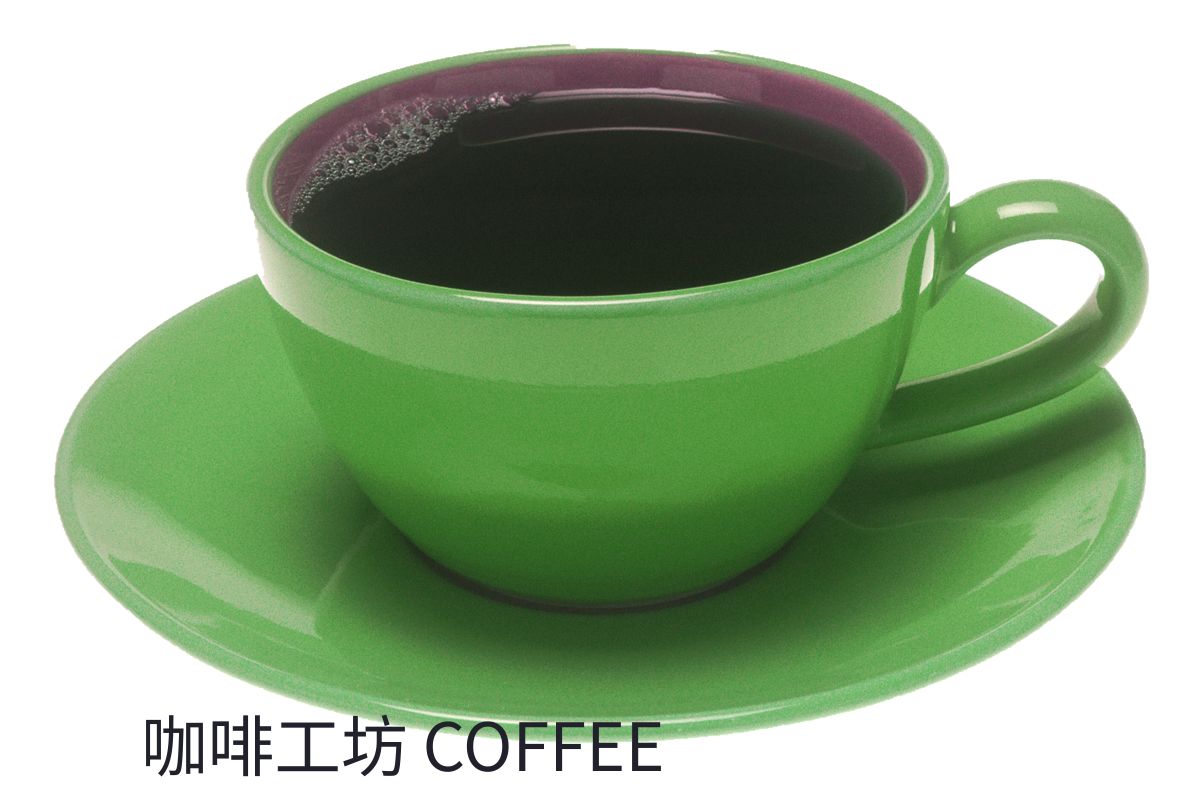
Select Noto Sans CJK SC in the text tool, wait for the font to download, then check the canvas and exported image. Our Chinese coffee headline rendered correctly in a production PNG and reopened PSD. This does not verify every font, system-font import or advanced Chinese typography feature.
Add a Chinese or mixed-language headline
- Open an image or create a project. Press T, click the canvas and enter your text. To edit an existing text layer, select the Type tool (T), then click directly on its text in the canvas; clicking an empty area starts new text.
- Choose Noto Sans CJK SC from the font menu. The font is delivered on demand and is about 16 MB, so the first use can take time. Wait for the canvas to redraw.
- Set size and color. Click the checkmark at the right of the text options bar, or press Ctrl+Enter on Windows, to commit the text. Enter alone adds a line break; Esc may cancel depending on Preferences. Check all characters at 100% zoom. Inspect mixed Chinese, Latin characters and punctuation instead of relying only on a thumbnail.
- Save the project and export a PNG or JPEG. Open the exported image elsewhere. Reopen the project and confirm the text layer is still usable before deleting any working copy.
The sample and observed results
The production acceptance file contains a 1200 × 800 composition, text, mask and adjustments. The exported PNG was physically downloaded and decoded, and the saved PSD was reopened. A later browser check edited the mixed-language headline on the canvas; that later edit was not independently verified as a downloaded round-trip file.
If text still looks wrong
| Symptom | Next check |
|---|---|
| Boxes on the canvas | Select Noto Sans CJK SC on the actual text layer. If loading failed, save a working copy before reloading, reopen it, select the font again and wait; report a repeated failure with a screenshot. |
| Text is clipped | Check the text position, size and canvas bounds; this is different from missing glyphs |
| Chinese layer names show boxes | Some engine UI labels still have incomplete Chinese glyph coverage; inspect the canvas/export separately |
| Custom/system font behavior | Not verified in this release; use the supplied Noto font for the reproducible sample |
Font source and limitations
Noto Sans CJK SC Regular is supplied under the SIL Open Font License. This guide verifies the supplied regular font and a simple headline. Commit controls described here also match the upstream v0.7.0 Type tool source; the reload sequence is troubleshooting guidance, not a guaranteed recovery test. Advanced paragraph layout, vertical type, every glyph and font interoperability with Adobe applications have not been verified.
Samples, licensing & test notes
Coffee source: Renee Comet / National Cancer Institute, public domain; our sample adds color changes, a mask and text. The native brush sample was made by PhotoCraft.pic and is free to reuse. Files and screenshots document specific tests, not a guarantee for every file or device.

Try it with a real sample.
If you get stuck, send a screenshot with your feedback. Your canvas is not automatically uploaded.