Open a tab. Get to work.
Skip the desktop installation. After the first engine download, bring a local image into the workspace.
A LITTLE LESS SETUP. A LOT MORE CRAFT.
From a single photo to a finished composition. Familiar layers, selections, masks and color tools give every detail a place to land.
Stays on your device · PNG / JPG / WEBP / PSD & more
No install · No account needed · Best on desktop
01 / MEET PHOTOCRAFT
PhotoCraft is an open-source image editor built in Rust. This site brings its browser editing engine into one familiar workspace for photo editing, graphic compositions and layered projects.
Made for creators who like to work on the details: from a quick crop and a headline to selections, masks and curves, the tools live together.
Independently hosted. Not the official upstream project site.02 / THE TOOLKIT
Every tool opens the same complete workspace. Choose what you want to do, then bring your own image.
Build with separate images, shapes and text. Control stacking, opacity and blend modes.
Open workspaceReveal or conceal details with layer masks, then refine the edges with a brush.
Open workspaceIsolate an area with marquee, lasso and automatic selection tools before editing.
Open workspaceReframe a photo, rotate a layer, resize a composition or adjust perspective.
Open workspaceShape light and color with levels, curves, hue, saturation and adjustment layers.
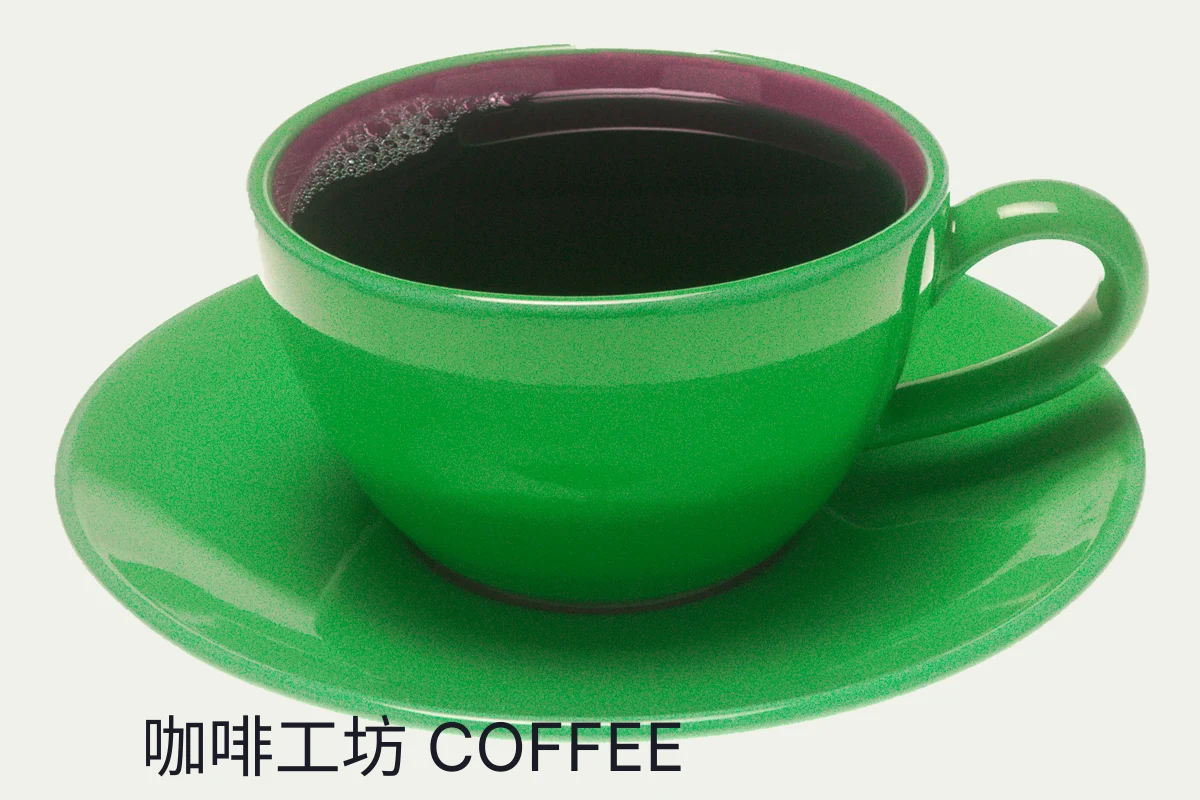
Open workspaceAdd editable typography and shapes for covers, posters and product graphics.
Open workspaceFinish with blur and sharpening filters, shadows, strokes and other layer styles.
Open workspaceOpen PSD / PSB, save an editable project or export a PNG. Check complex files for compatibility.
Open workspace03 / ROOM FOR YOUR PROCESS
Stay in one place as your composition takes shape. Keep control from the first crop to the final export.
Skip the desktop installation. After the first engine download, bring a local image into the workspace.
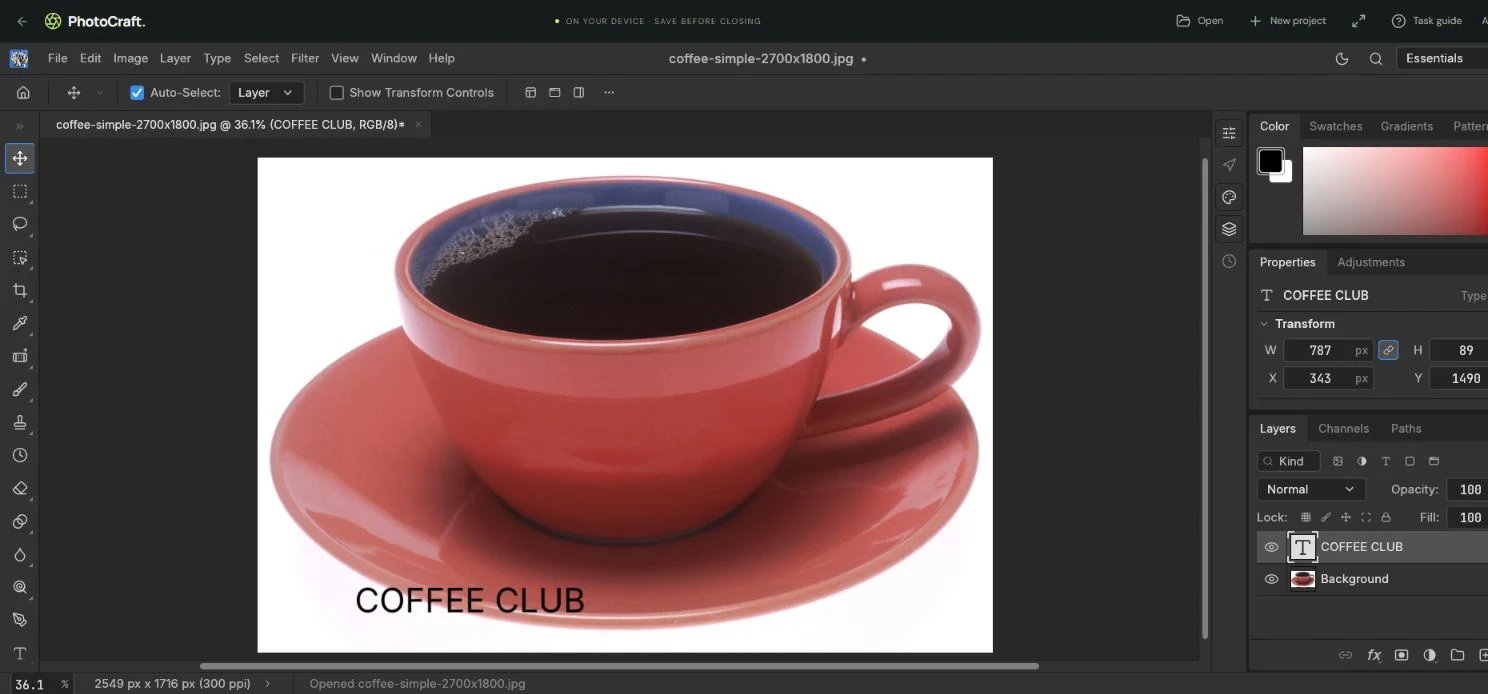
Tools on the left, canvas in the center, layers on the right. Selections, masks and adjustments keep edits under your control.
The current editor processes images in your browser. Download your work to keep it, and save before closing.
04 / YOUR NEXT CREATION
Best on a desktop and a modern browser. Try a landscape tablet; use a computer for complex editing.
Read the getting-started guideCrop the composition, balance light and color, then refine a detail with a local mask.
Combine photos, headlines and shapes into a layout, then export an image ready to share.
Open a PSD / PSB, check its layers, fonts and effects, and keep building on the composition.
05 / A QUICK WALKTHROUGH
A real photo, a real editing session: open, crop, add text and export. No audio needed; turn on captions to follow along.
Choose Open at the top of the workspace and pick a local photo. Let the engine finish loading on your first visit.
Select the crop tool on the left, reframe and confirm. Choose the text tool, click the canvas and type a headline.
Use File → Export → Export As for a PNG. Save a project too if you want to keep editing, and confirm the download.
06 / GOOD TO KNOW
A little clarity on tools, files and how the workspace works.
PhotoCraft is an open-source image editor. This independent site hosts a browser workspace based on storytold/photocraft. It is not the official project site or affiliated with other apps sharing the name. The upstream source is linked below.
The full local editor is currently free to use, with no account required to start. See the pricing page for account and paid-service availability. Purchases are not open yet.
No app installation is required. On your first visit to the workspace, the browser downloads the editing engine. Once it is ready, open an image from your device.
Editing in the current workspace happens on your device; opened images are not automatically uploaded by the editor. Website services such as account sign-in still use the network. See our privacy policy for details.
A desktop computer with a modern browser is recommended. A landscape tablet may also work. Small phone screens are less suited to precise selections, layer management and complex editing.
PSD / PSB import and export are supported, but not every complex file or Photoshop feature is guaranteed to round-trip. Check layers, fonts and effects after opening, and keep your original. Prefer .pcraft projects for continued editing.
The current product focuses on hands-on image editing: selections, masks, brushes and filters. AI image generation, upscaling and one-click background removal are not available yet. Complex edges need manual refinement.
Use File → Save for a project, or File → Export → Export As for a PNG, and confirm the file downloaded. There is currently no autosave or cloud recovery. Save before closing or refreshing the workspace.
07 / KEEP EXPLORING
YOUR NEXT GOOD IDEA STARTS HERE.